Guides › Getting started
Getting started with Quickey
Updated 6 October 2026 · Quickey 1.10 (build 16)
Two minutes of setup: install the app, switch on the keyboard, and you can scan into any chat, sheet or form on your phone.
1. Install Quickey
Get Quickey from Google Play (search for Quickey by Trustech, or use the link on the home page). It works on Android 7 and newer and needs no account.
The first time you open a scanner page the app asks for the Camera permission. That is the only permission needed for scanning. Everything else (overlay, accessibility, Bluetooth) is optional and is asked only when you switch on the feature that uses it.
2. Turn on the Quickey keyboard
The keyboard is how scans get typed into other apps. It is the recommended path because it needs no special permissions and never triggers banking-app warnings.
- On Home, tap the Quickey Keyboard card. Until it is set up the banner at the top reads Finish setup so scans type into any app.
- A dialog says Turn on 'Quickey Keyboard' in the keyboard list, then come back. Tap Open settings; Android's keyboard list opens. Switch Quickey Keyboard on and accept the standard Android notice (every third-party keyboard shows it).
- Go back to Quickey and tap the card again. The keyboard picker opens; choose Quickey. The card now shows Active ✓.
- Later, in any app, switch keyboards with the small keyboard icon in the navigation bar.
You can keep using your normal keyboard for typing. Many people switch to Quickey only when they scan, then switch back. See the keyboard guide for what each key does.
3. The Home screen
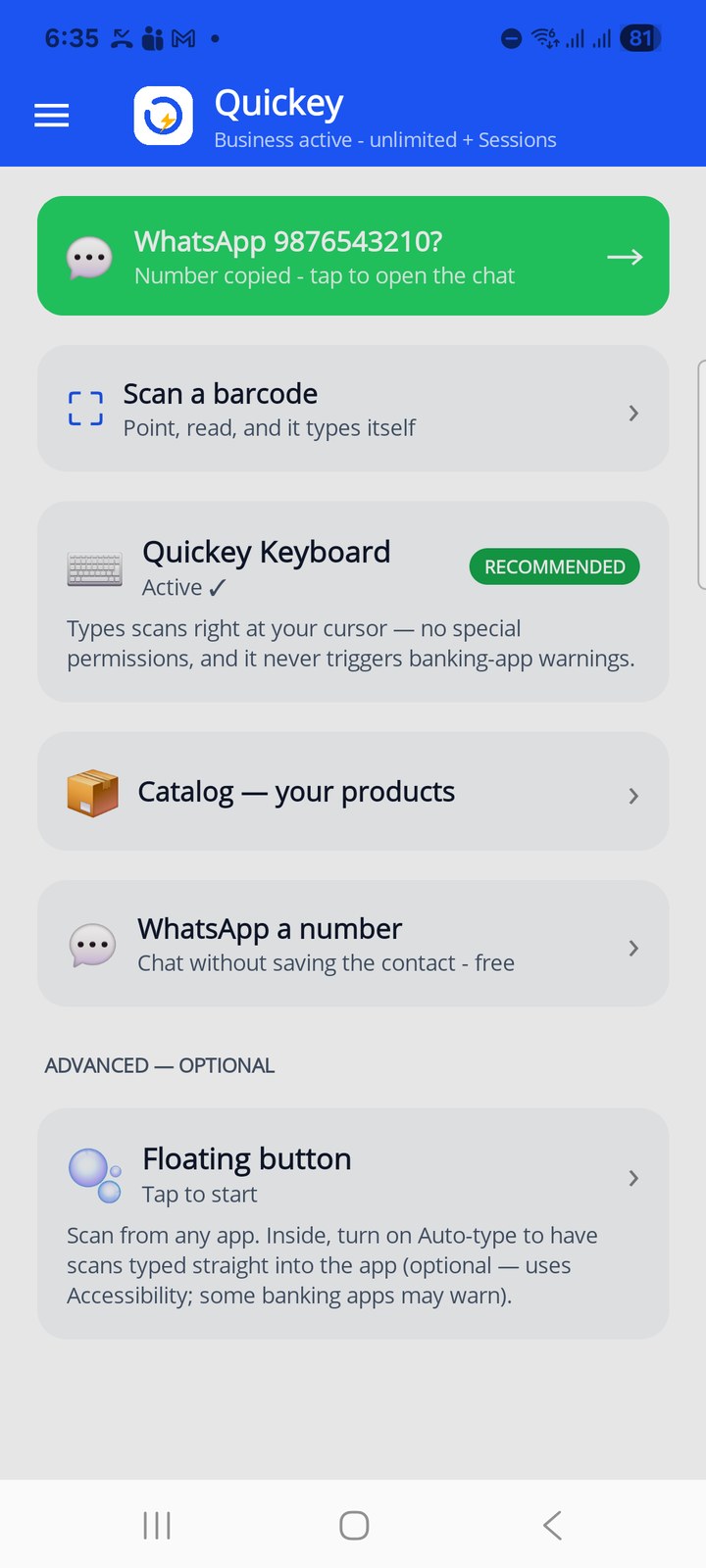
Home is a launcher. Each tile opens a feature; the order is the order most people need them.
- WhatsApp chip (green, appears only when a phone number was just copied) opens a chat with that number without saving a contact. See WhatsApp a number.
- Scan a barcode opens the scanner page. The last scan is shown under the tile.
- Quickey Keyboard shows whether the keyboard is active and opens the Android keyboard settings if not.
- Catalog and WhatsApp a number open those pages.
- Floating button (under Advanced, optional) lets you scan from inside any app with a small bubble.
The subtitle under the Quickey logo shows your plan: free trial with the number of scans left, ad credit, Premium or Business.
4. The menu
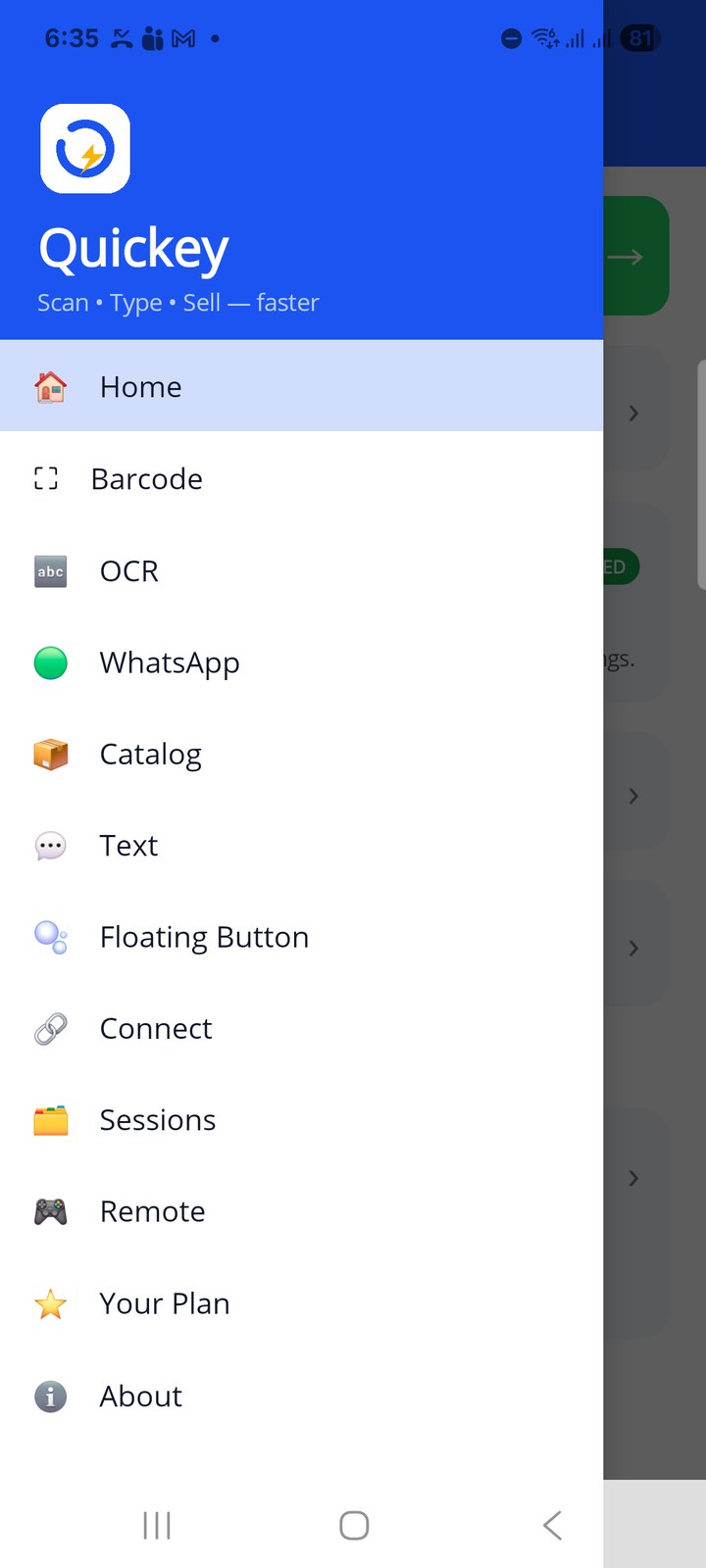
Tap ☰ (top left on every page) to open the menu. Pages, top to bottom:
| Menu item | What it is for |
|---|---|
| Home | Launcher and plan status |
| Barcode | Full-screen scanner with settings (prefix, suffix, Enter, barcode types), plus Batch count, Find items and Pick codes — guide |
| OCR | Read a label and send the text or the fields you choose; Pick text for many lines — guide |
| Chat with an unsaved number — guide | |
| Catalog | Your products with photos and prices, sent from the keyboard — guide |
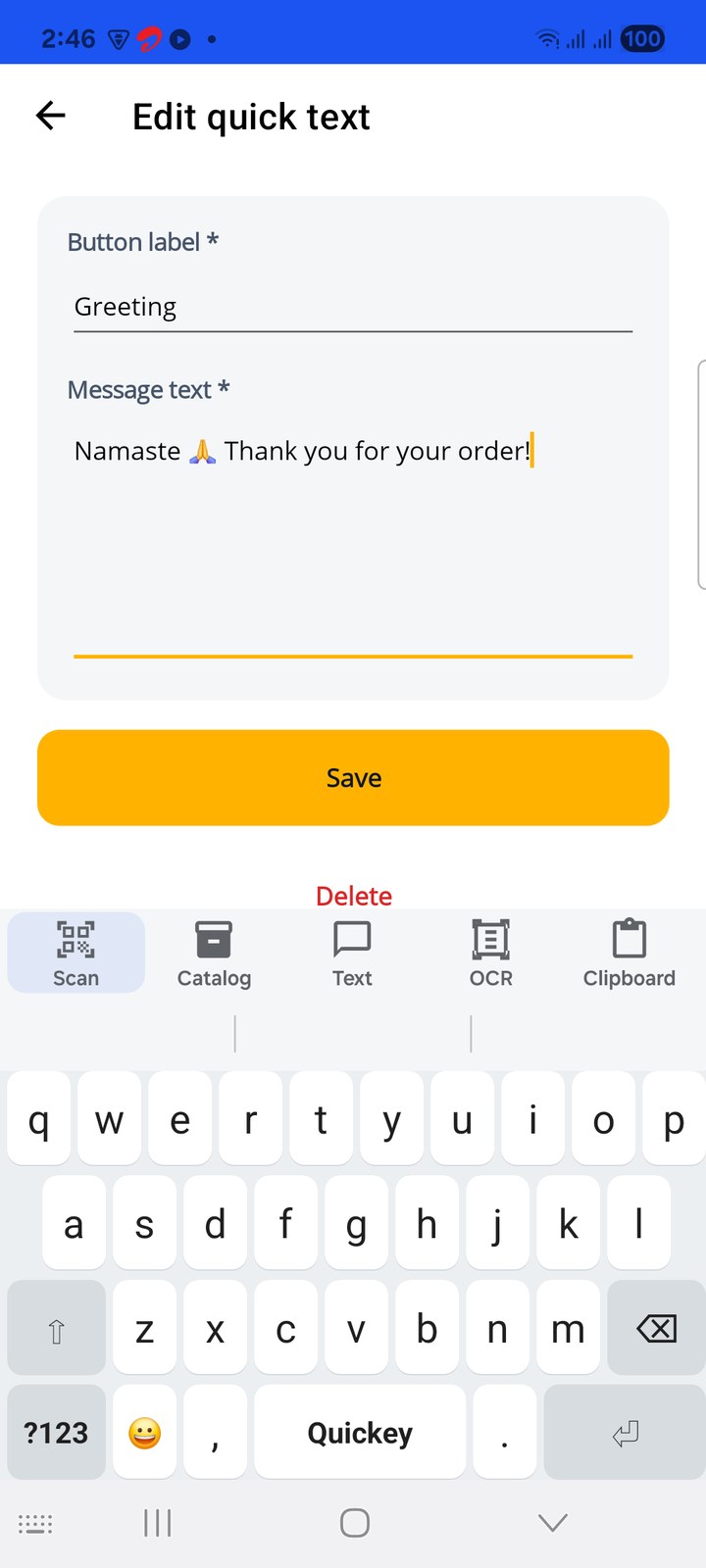
| Text | Saved messages typed with one tap — guide |
| Floating Button | Scan from any app via a bubble — guide |
| Connect | Pair with a PC or Android TV — guide |
| Sessions | Team stock counts into one list — guide |
| Remote | Keyboard, touchpad and air mouse for the PC — guide |
| Your Plan | Free quota, ad credit, Premium and Business — guide |
| About | Version, updates and support details — guide |