Guides › Quick text
Quick text: saved messages
Updated 6 October 2026 · Quickey 1.10 (build 16)
Quick texts are messages you send many times a day. Save them once; on the keyboard they are one tap away.
The Text page
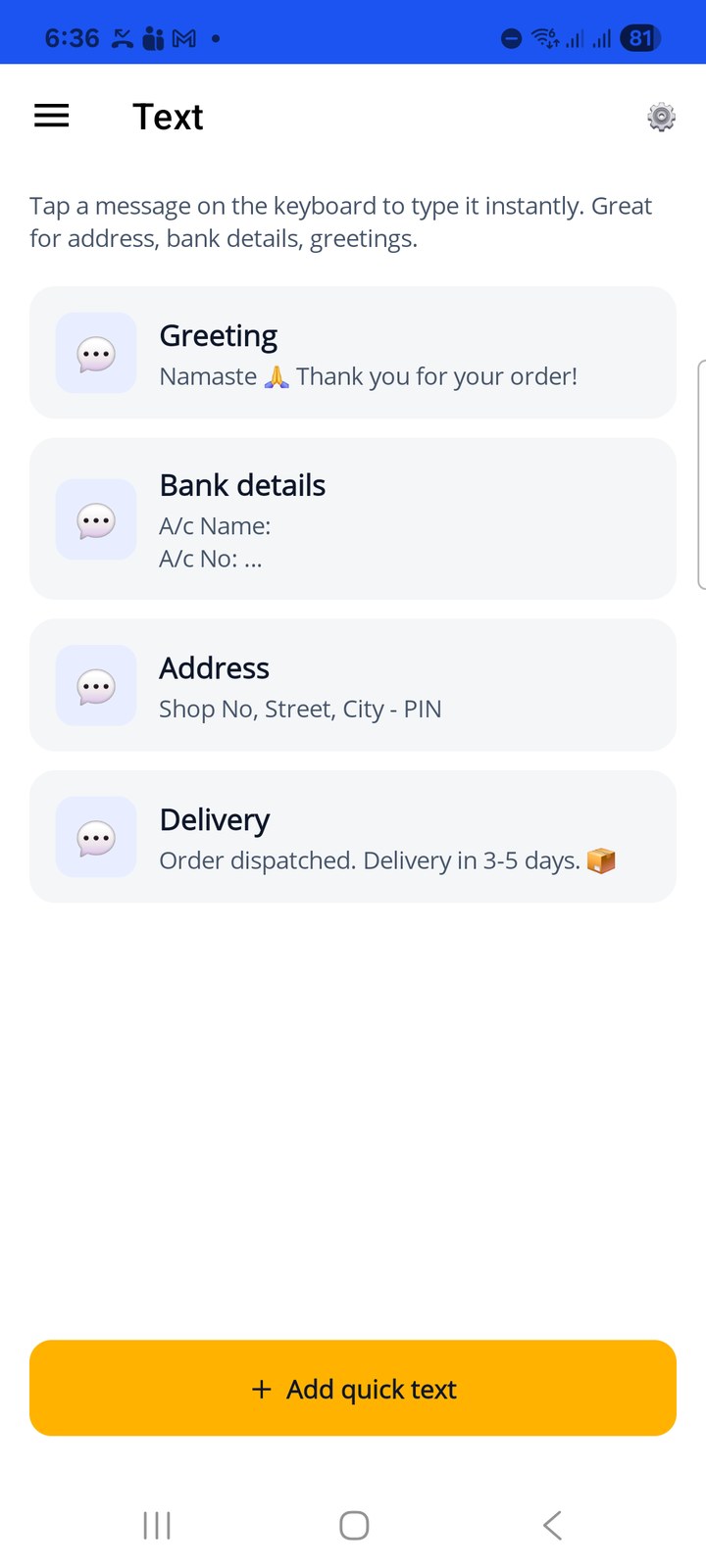
Open ☰ › Text. Each row is one saved message with its button label and the first line of the text. The app starts with four samples: Greeting, Bank details, Address and Delivery. Tap a row to edit it, or swipe it left to delete.
Add or edit a message
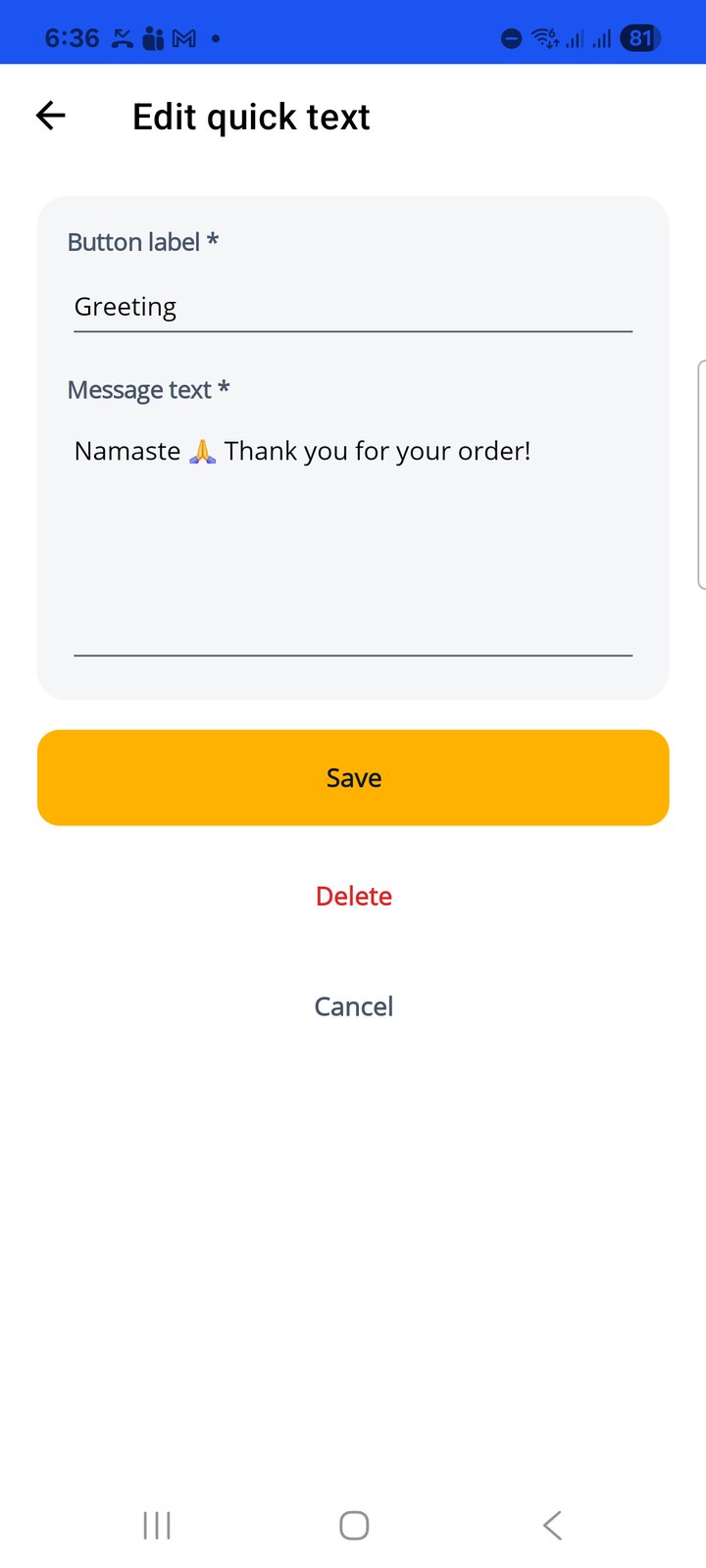
- Button label: the short name shown on the keyboard button, for example Bank details.
- Message text: the full text that gets typed. Multiple lines and emoji are fine.
Save stores it; Delete removes it. Use + Add quick text on the Text page for a new one.
Type a message from the keyboard
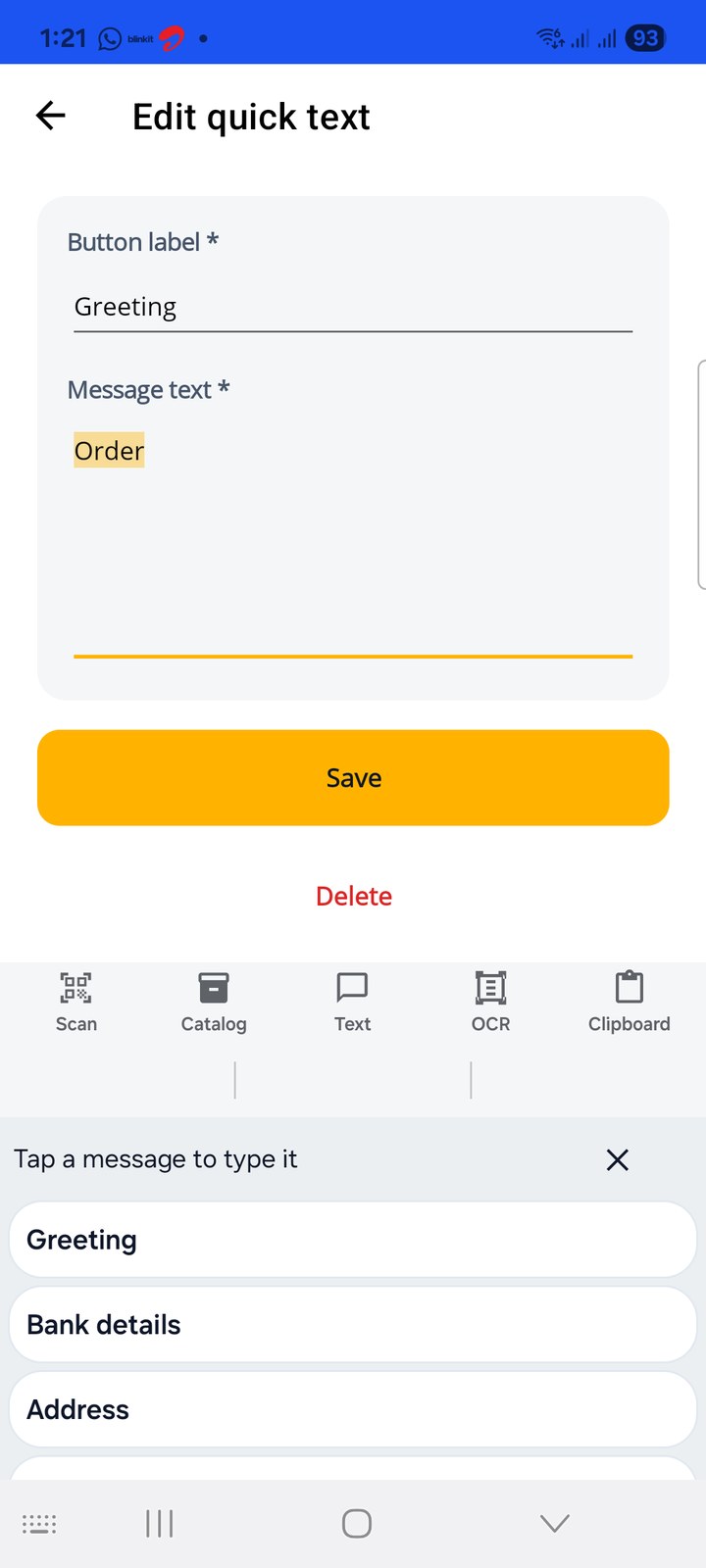
In any chat, open the Quickey keyboard and tap 💬 Text. Tap a message and it is typed at the cursor. Then press Send in the chat app, or add an Enter to the message if you want it sent automatically.
Text Settings (⚙️ on the Text page) explains the same flow and has no options to change.